


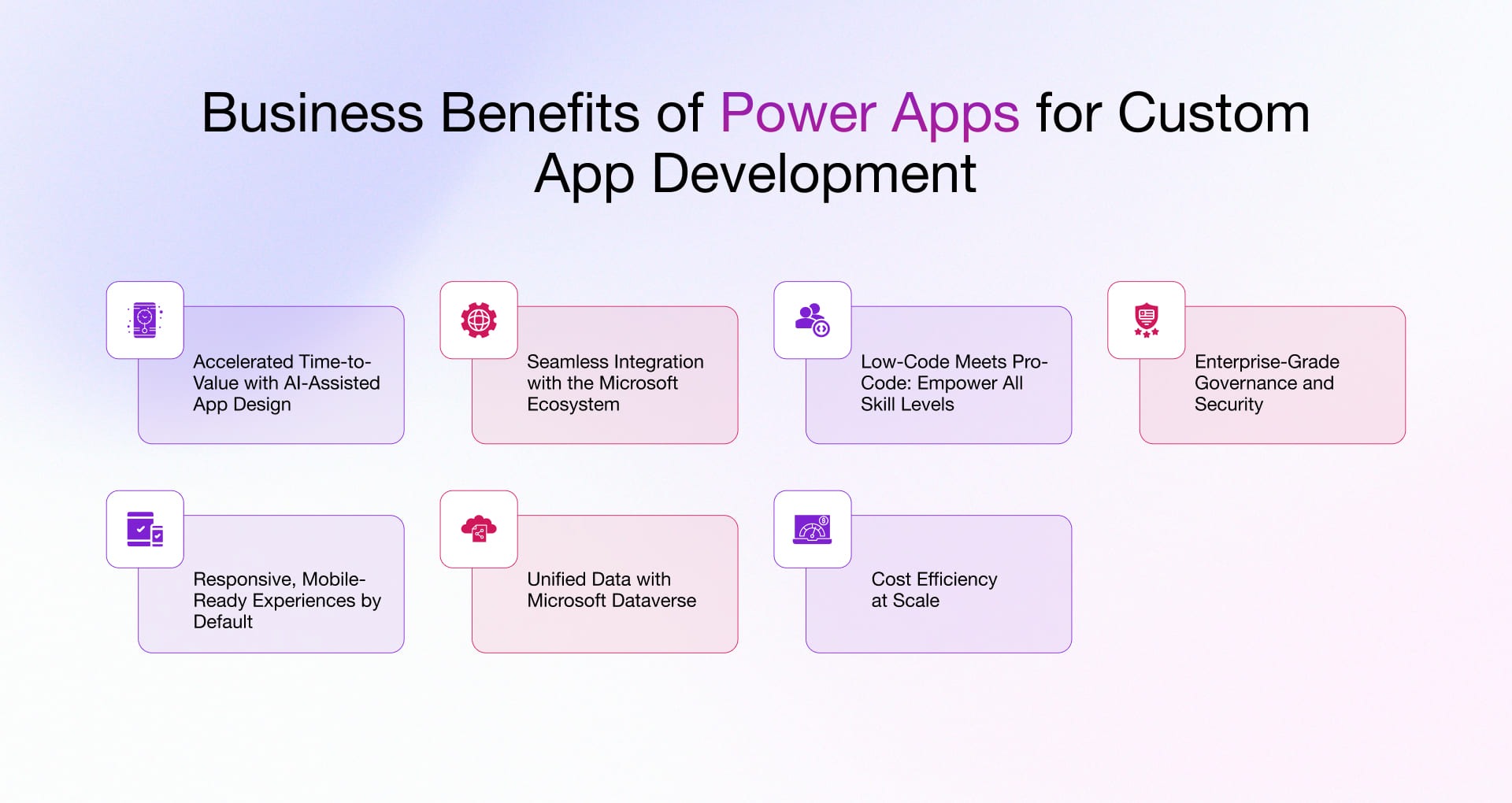
Power Apps democratizes application development by enabling business users to create custom applications without extensive coding knowledge. If your team has been relying on spreadsheets or paper forms for business processes, Power Apps offers a better solution.
The platform provides two main types of applications: canvas apps and model-driven apps. Canvas apps offer complete design flexibility, allowing you to create custom layouts and user experiences from scratch. Model-driven apps automatically generate interfaces based on your data model, ideal for complex business processes with significant data relationships.
Getting started is straightforward. Identify a simple business process that currently involves manual work or inefficient tools. Common first projects include expense reporting, equipment checkout systems, inspection checklists, or request forms. Starting small helps you learn the platform while delivering immediate value.
Power Apps connects to hundreds of data sources including SharePoint, SQL databases, Excel files, and Dynamics 365. This connectivity means your applications can read and write data wherever it lives, eliminating the need for manual data transfers between systems.
The visual designer uses drag-and-drop functionality to add controls like text inputs, dropdown menus, date pickers, and buttons. Formulas similar to Excel enable you to add calculations, validation rules, and conditional logic. While formulas require some learning, the platform provides helpful intellisense and documentation.
Mobile accessibility comes standard with Power Apps. Applications automatically adapt to different screen sizes, ensuring your team can use them on phones, tablets, or desktop computers. Users access apps through the Power Apps mobile application or web browser.
Sharing and security are built into the platform. Control who can access your applications and what actions they can perform. Integration with Azure Active Directory means users sign in with their existing company credentials.


